


ORGANIZATION MADE SIMPLE
Label Everything. Perfectly. Without the Learning Curve.
Professional labeling with the ease of a keyboard you already know.
Instant labeling
30-label memory
QWERTY keyboard
Laminated durability

EFFORTLESS PRECISION
Type, Print, Organize. Just Like That.
⌨️ Familiar QWERTY Keyboard
No learning curve, no frustration—just type and print like you would on any keyboard.
🎯 180 DPI Crisp Printing
Professional-grade clarity on every label with high-resolution printing technology.
Engineered for Real Life, Not the Drawer
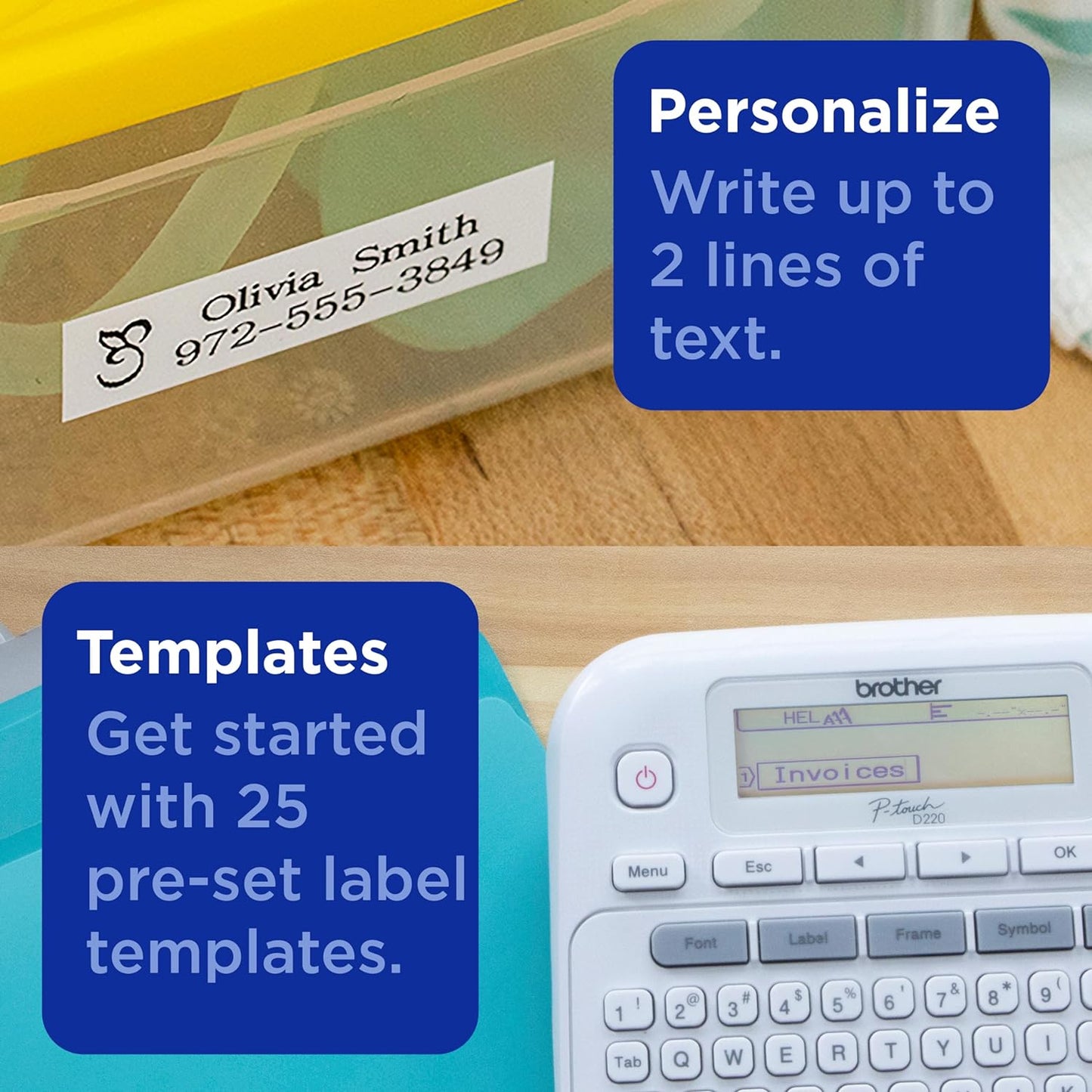
Two-Line Printing
Add titles, dates, or details with professional two-line formatting.
Memory Function
Store 30 frequently-used labels for instant one-touch reprinting.
Laminated Durability
Brother TZe tapes resist water, fading, and daily wear for lasting labels.
Up to 0.5 inch
Compatible with Brother TZe tapes up to 12mm for versatile sizing.

ENDLESS APPLICATIONS
One Tool, Infinite Ways to Stay Organized
- Kitchen pantry and storage containers
- Office filing and equipment labeling
- Craft room and hobby organization
- Home networking and cable management

THE DETAILS
Built for Everyday Use, Designed to Last
Forget complicated apps or confusing menus. This label maker gives you the simplicity of a QWERTY keyboard with the power of professional printing, delivering crisp 180 DPI labels on durable Brother TZe laminated tape.
Store your 30 most-used labels in memory for instant access, print up to two lines per label, and enjoy compatibility with Brother TZe tapes up to 12mm. Available in Standard, Pack of 3, New, and Renewed options.
How It Works
Type Your Label
Use the intuitive QWERTY keyboard to create single or two-line labels in seconds.
Save to Memory
Store up to 30 custom labels for instant reprinting whenever you need them.
Print and Apply
Get professional laminated labels that stick strong and resist water and fading.
Frequently Asked Questions
What tape cartridges work with this label maker?
This device is compatible with Brother TZe laminated tape cartridges up to 12mm (approximately 0.5 inch) wide, available in various colors and finishes.
Can I print two lines on a single label?
Yes, this label maker supports two-line printing, allowing you to add titles, descriptions, dates, or other details on a single label.
How many labels can I save in memory?
The built-in memory stores up to 30 custom labels, making it easy to reprint your most frequently-used labels without retyping.
What printing resolution does this provide?
This label maker prints at 180 DPI, delivering sharp, professional-quality text and symbols on every label.
What options are available for purchase?
This label maker is available in Standard, Pack of 3, New, and Renewed options to suit different needs and budgets.
Free Shipping
30-Day Returns
Secure Checkout
5-Star Support
I'm having so much fun with my new label maker. This one is easy to use, prints a clear label, the cutter is excellent, and the label's adhesive backing peels easily! At first, I had difficulty seeing my label name on the screen, and was considering returning it. I discovered adjusting the contrast was the solution. I highly recommend this label maker!
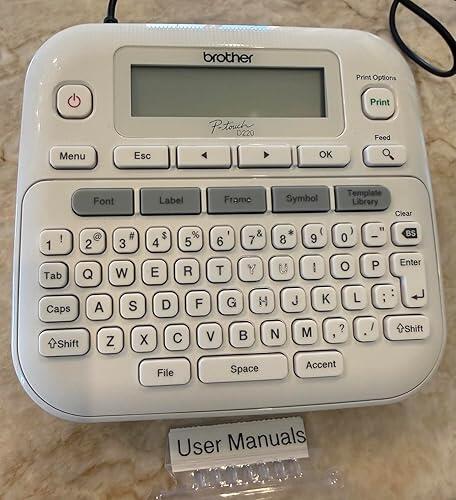
This is a great size for home use! It’s fairly easy to navigate for customization. The price is amazing for what it can do. It does NOT come with batteries or an ac adapter so be sure to have those ready. I bought an ac adapter to use in case I don’t have any batteries ready for it. I highly recommend this!
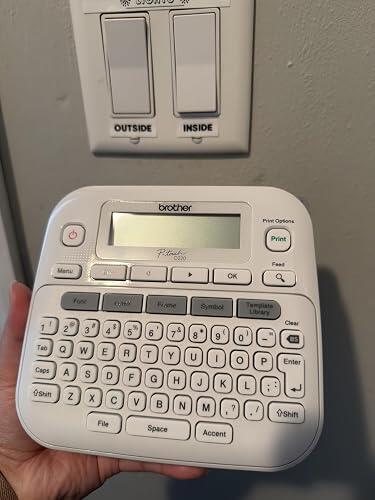
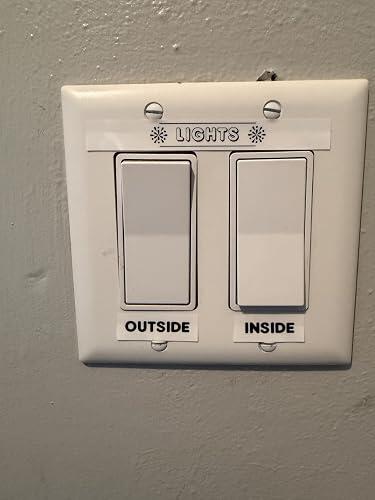
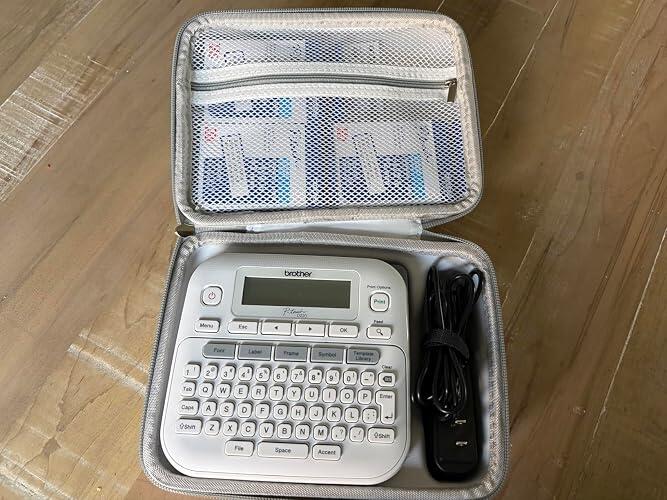
Prints and cuts with ease. Changing the font and other settings is fairly simple and the labels come out perfectly every time. We bought the AC adapter and a case to keep everything in. Changing the tape cartridge is easy too. Very Reliable. Don’t bother with other cheaper label makers, they’re almost always a waste of money. The P-Touch is the gold standard for a reason.
From Brother.com - here is what I found out about the screen. Adjust the LCD contrast! To adjust the LCD contrast: 1. Adjust the contrast setting: a. Press Menu. b. Press ◄ or ► to select LCD Contrast. c. Press OK and the current setting is displayed. d. Press ◄ or ► to select the contrast setting. There are five settings: -2, -1, 0, +1, +2. e. Press OK to set the contrast. - If the LCD is difficult to read, go to the next step. 2. Since the label printer does not have a backlight, the angle of the label printer and the lighting conditions can affect how well the display can be viewed. For optimum viewing, place the label printer on a flat surface and view the display at a 45-degree angle. 3. New out of the box label printers have a protective film on the display that needs to be removed. Removing the film slightly improves the display's contrast and brightness. a. Using your fingertips or fingernails, separate the protective film from the LCD display from the top right or left corner. b. Pull the Mylar protective film completely away from the display to expose the smooth finished surface. Discard the protective film. 3. If the contrast was better but now it is harder to read, try printing a label to test if the batteries are low. The LCD can be difficult to read when the batteries are low. 4. If the LCD is still difficult to read with brand new batteries, you may wish to purchase a label printer with a backlight LCD. So, for me it was first, remove the mylar tape on the screen. I did not notice that there was something on the screen itself. Then I followed up with the LCD contrast and it made a big difference. I wish I had purchased one with a backlight screen but did not realize that was an option. All in all, I will say that this is a nice label printer.
Works as advertised! One might want to consider a case that's also available on Amazon.....simplifies carrying power supply and additional cartridges
The Brother PTD-220 has a learning curve, mostly because of all the variations it offers, but not too complicated. I am having fun experimenting. It arrives with only one short sample tape, so don't forget to purchase tapes along with your purchase of the label maker, and If you don't want to constantly spend on batteries, I recommend getting a power adapter, too. After much research, the best price I found for it was here on Amazon, but I felt I needed to add the extras, which I am happy I got but they nearly doubled the price. I deducted one star from this review because I think Brother should include at least the power adapter & a couple of full size tapes in the box. The hard case I got (non-Brother brand) fits everything perfectly and is also very handy to keep things clean & protected & neatly stored when not in use. But most importantly, this is a nice, compact little tool that is easy to operate and very useful. I don't need to travel with it so I am happy with the plug-in model which saves me $$ in the long-run. With so many models to choose from, this one meets and exceeds my labeling needs! I would definitely recommend it as a 'bit-beyond-basic' model.
All around it’s a pretty great label maker. The tape is easy to come by and is sold in bulk at a good price. The screen can be a little hard to read in really bright environments but otherwise very good. It takes 6 AAA batteries. Yes, 6. Or your can use a 9v power cord, but it’s not included and needs to be bought separately. If you power it by battery (what I’m doing) the batteries do last a long time in the printer. I’ve gone through 3 tape cassettes all on one set of batteries and no sign to change them soon. There’s tons on fonts and boarders you can do to the labels all with the same regular tape. Personally I use only the standard font but there are many options to choose. For the environmentally conscious: Now, this might be a 50/50 for you. The tape need to be printed on is plastic. Packaged in a special plastic cassette. After you print you need to peel the paper-plastic off the adhesive backing. Also inside that tape cassette, each time you print the tape has an ink side that does the printing and rolls up on the other end of the cassette like a VHS. So about 10-30% of the ink is used to print, the rest is unusable waste neatly rolled on the inside of the cassette. Very sneaky way to get us to buy more tape.
This is a great little label maker. I found it intuitive to use, and it took me no time at all to navigate the different fonts and sizes. The labels print out very crisp and are easy to read. Importantly, the labels stick to multiple surfaces, but are also easy to reposition if needed. I'm very pleased with my purchase and would recommend.